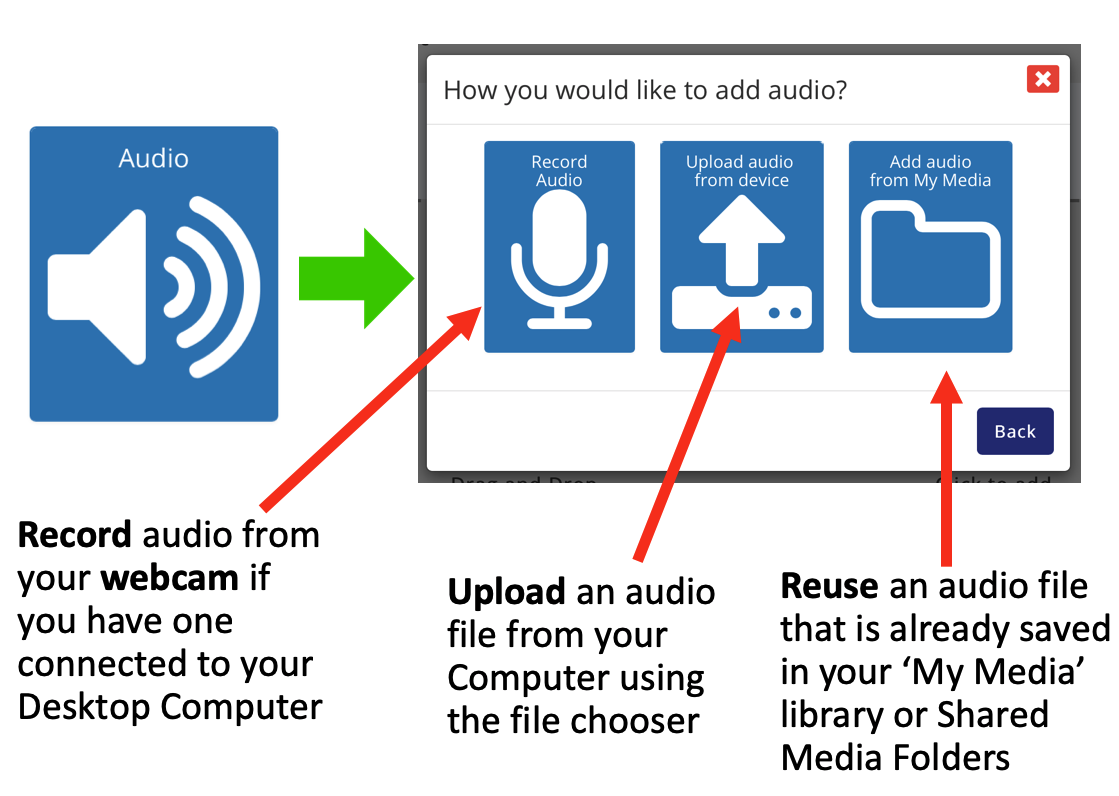
Choose Audio in the add media pop-up. You will then need to select the source of the media. The source options will depend on which sort of device you are using, for example there are more options on a desktop computer with a webcam connected than on a tablet or smartphone.
NOTE: For full details about adding media options see the User Guide called ‘Adding, Embedding and Capturing Media’
Was this article helpful?
That’s Great!
Thank you for your feedback
Sorry! We couldn't be helpful
Thank you for your feedback
Feedback sent
We appreciate your effort and will try to fix the article