You can access the log in page here: https://my.multime.com/
To go to our marketing website you can search google for: multi me
- Go to www.multime.com
- then click on the login icon in the top right of the screen
NOTE:
Username: your username cannot contain spaces or special characters such as ‘$%&**___--!’
Password: remember your password is CaSE SenSITivE and can contain numbers, letters and special characters
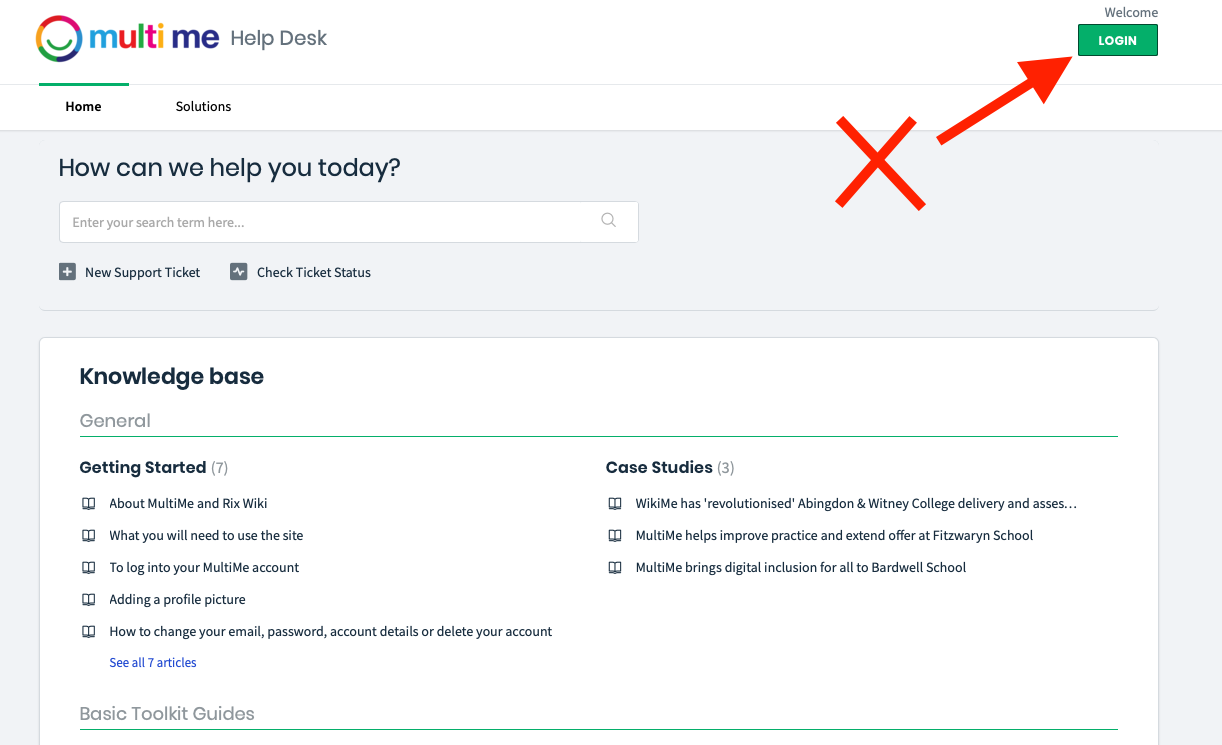
You cannot log in from the Helpdesk site, this log in is for Helpdesk users only not MultiMe users
Was this article helpful?
That’s Great!
Thank you for your feedback
Sorry! We couldn't be helpful
Thank you for your feedback
Feedback sent
We appreciate your effort and will try to fix the article