You can add comments to Diary Blog posts in your own Diary or someone else's Diary, provided you have permission.
How to add a comment
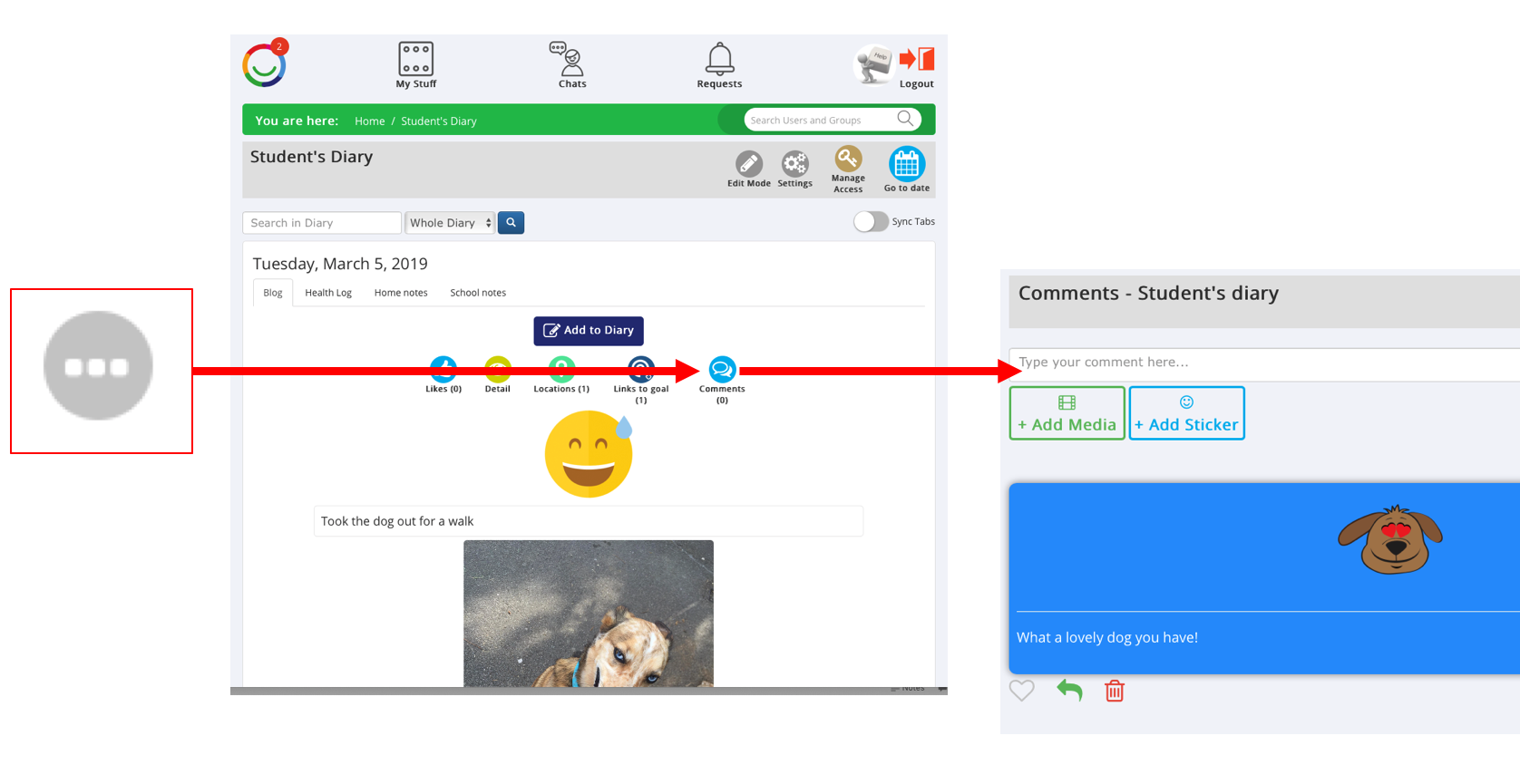
Open the Diary and find the Blog post you want to comment on.
Click the blue Comments icon (speech bubbles) above the post.
Add your comment using text, photos, videos or stickers.
Click Post to share your comment.
Your comment will appear alongside the Diary post, where others with access can see it.
Who can see my comments?
People who have permission to view the Diary Blog can see comments added to its posts.
You can also reply to other people's comments to keep the conversation going.
Was this article helpful?
That’s Great!
Thank you for your feedback
Sorry! We couldn't be helpful
Thank you for your feedback
Feedback sent
We appreciate your effort and will try to fix the article