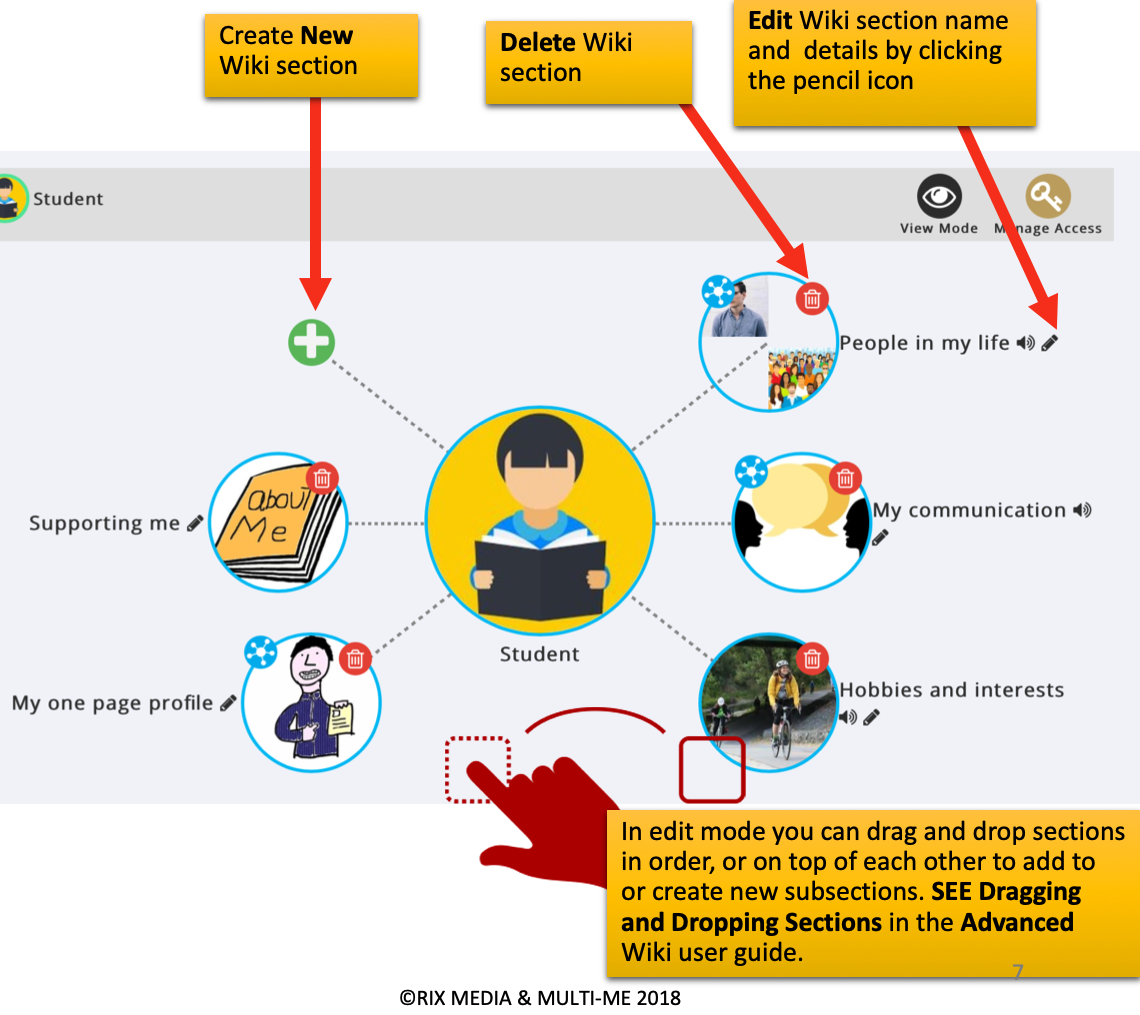
In View Mode the edit options are hidden. To edit your Page click the ‘Edit Mode’ pencil icon at the top right in the page header.
Your Wiki will stay in ‘Edit Mode’ until you toggle back to ‘View Mode’.
IMPORTANT: Be careful, deleting Wiki Sections will delete all the Subsections and Pages in this section.
Was this article helpful?
That’s Great!
Thank you for your feedback
Sorry! We couldn't be helpful
Thank you for your feedback
Feedback sent
We appreciate your effort and will try to fix the article