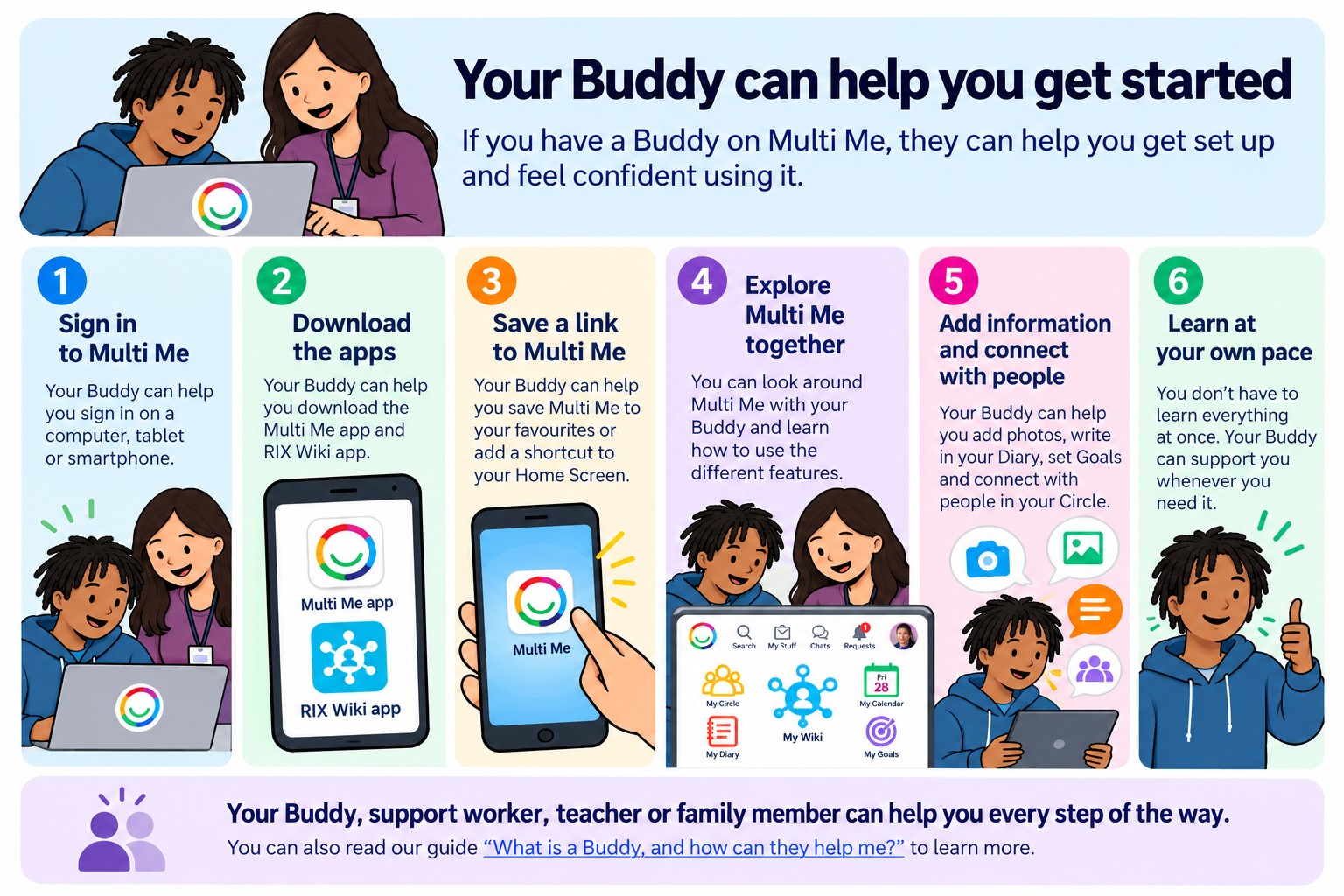
If you have a Buddy on Multi Me, they can help you get started and feel confident using it.
Your Buddy might be a family member, support worker, key worker or teacher.
You can ask your Buddy for help whenever you need it.
How can my Buddy help me get started?
Your Buddy can help you:
Sign in to Multi Me on your computer, tablet or smartphone.
Download the Multi Me app onto your phone or tablet.
Download the RIX Wiki app to access your personal Wiki.
Save a link to Multi Me on your computer, laptop, tablet or smartphone, so it's easy to find next time.
Explore Multi Me and learn how to use its different features.
Add information to your Wiki, Diary, Goals and other areas.
Connect with people in your Circle.
Making Multi Me easy to find
Your Buddy can help you save Multi Me to your favourites or bookmarks in your web browser.
They can also help you add a shortcut to your phone or tablet's Home Screen.
This means you can open Multi Me easily whenever you want to use it.
Visit www.multime.com and select LOG IN to get started.
Learning together
You don't have to learn everything at once!
Your Buddy can help you explore Multi Me at your own pace.
You can try adding a photograph, writing a Diary entry or updating your Wiki together.
Want to know more about Buddies?
Read our What is a Buddy, and how can they help me? guide to learn more about what your Buddy can do.
Need help?
If you need help getting started, speak to your Buddy, support worker or Portal Administrator.
You can also contact Multi Me Support through this Helpdesk.
Was this article helpful?
That’s Great!
Thank you for your feedback
Sorry! We couldn't be helpful
Thank you for your feedback
Feedback sent
We appreciate your effort and will try to fix the article