You can easily rearrange your Wiki Sections to change the order in which they appear.
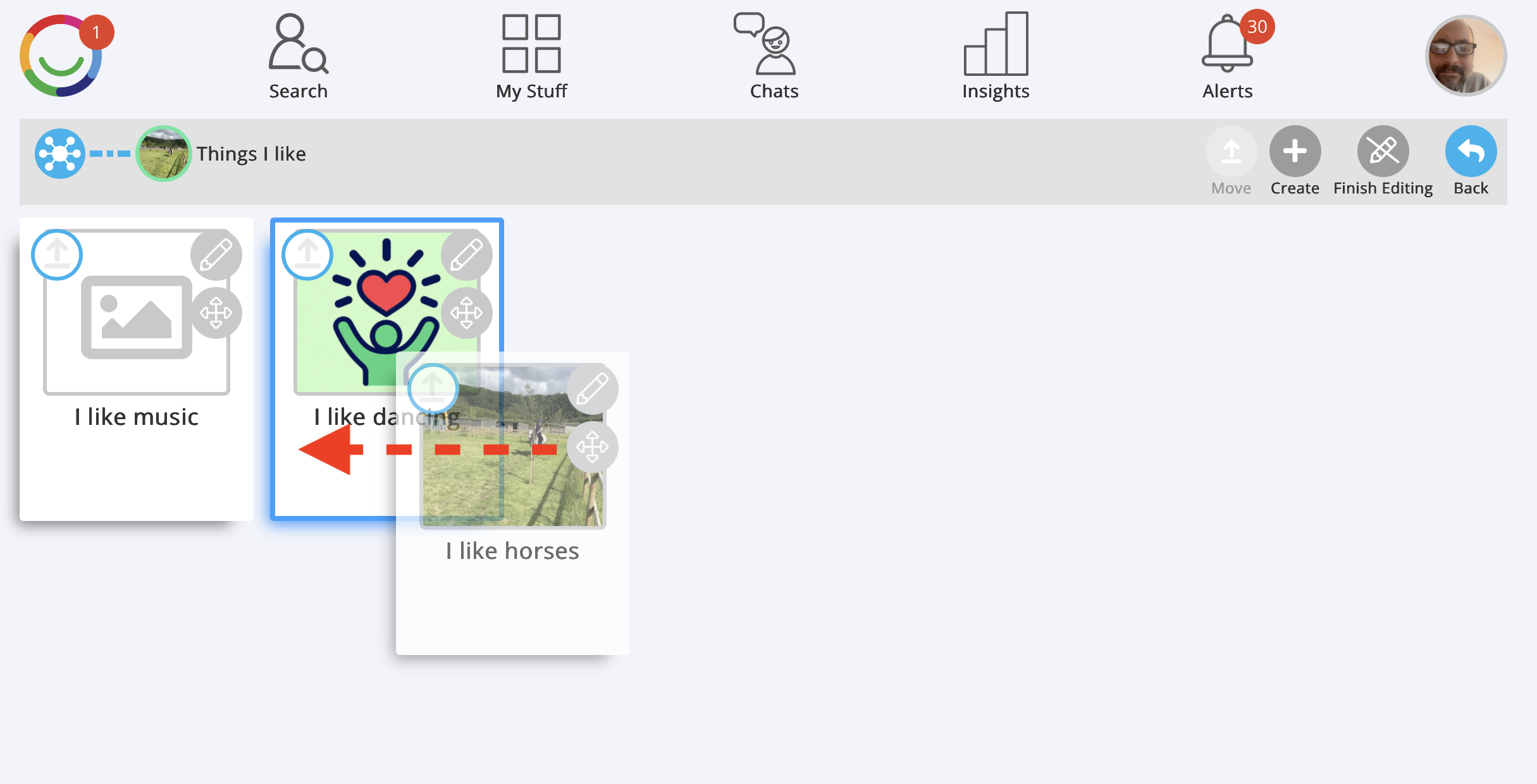
Steps to move a Wiki Section
Open your Wiki and go to the Section containing the Sections you want to rearrange.
Click Edit to switch on editing mode.
Find the Section you want to move.
Click and hold the four-way arrow icon on that Section.
Drag the Section to its new position and release it.
Repeat for any other Sections you want to rearrange.
Click Finish Editing when you're done.
Tip: Drag and drop changes the order of your Wiki Sections without deleting their content. All Pages and Subsections stay within their original Section.
Was this article helpful?
That’s Great!
Thank you for your feedback
Sorry! We couldn't be helpful
Thank you for your feedback
Feedback sent
We appreciate your effort and will try to fix the article