A Buddy is someone who helps you use Multi Me safely and get the most out of it.
Your Buddy might be a parent, family member, support worker, key worker or teacher.
You can have more than one Buddy.
What can my Buddy help me with?
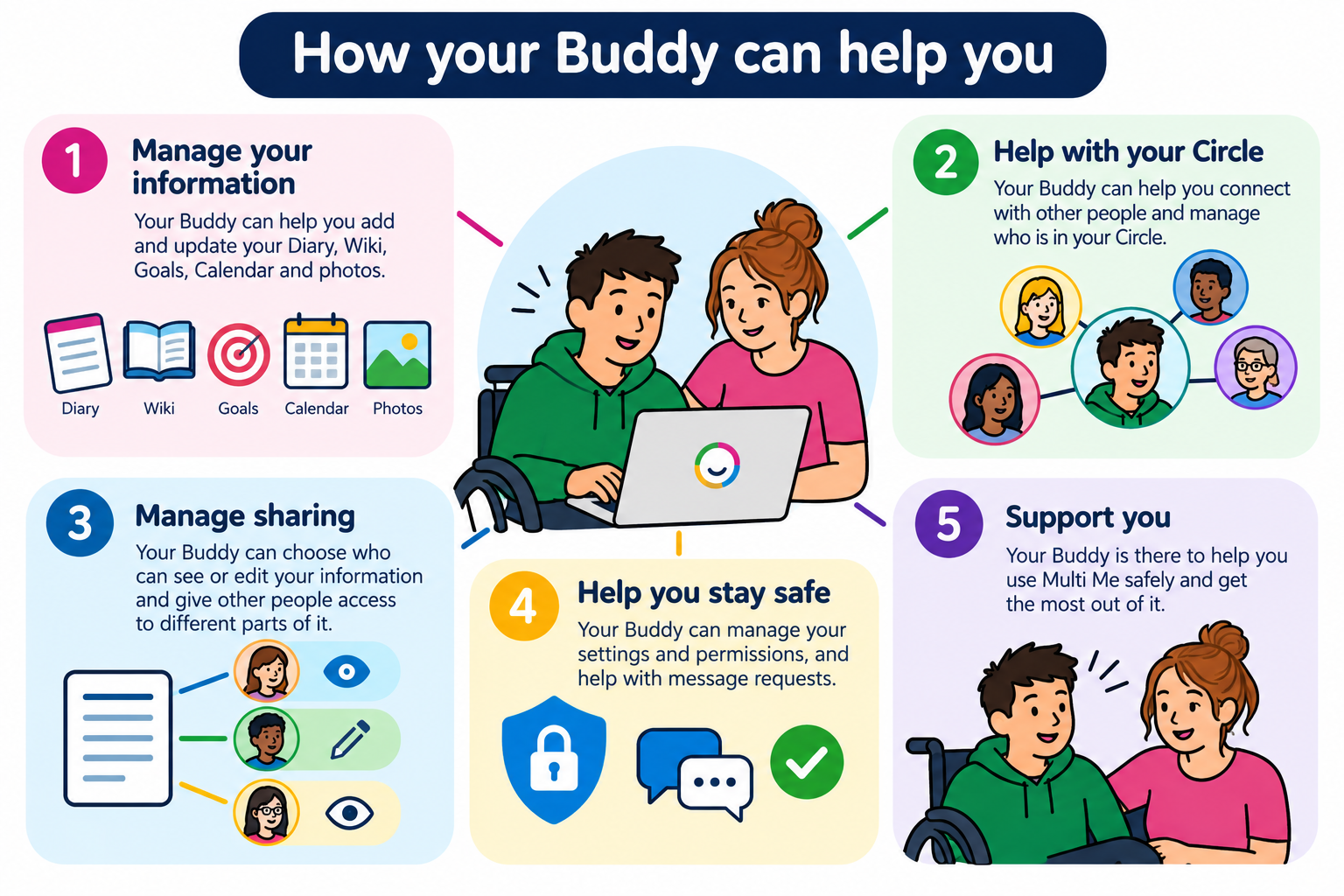
Your Buddy can help you:
Use Multi Me and manage your account.
Add and update information about your life.
Manage your Circle and connect with other people.
Choose who can see or edit your information.
Manage your settings and permissions.
Stay safe when using Multi Me.
Helping with your information
Your Buddy can help you manage your Diary, Wiki, Goals, Calendar and Media.
For example, they might help you:
Add photographs or videos.
Write about things you've done in your Diary.
Create or update your Wiki.
Record your Goals and achievements.
Share information with people who support you.
Your Buddy can also give other people permission to view or edit parts of your information.
Helping with your Circle
Your Circle is made up of people you connect with on Multi Me.
Your Buddy can help you manage your Circle and decide who can access your information.
They can also help you with requests to connect with other people or join Groups.
Helping you stay safe
Your Buddy can manage some of your account permissions.
For example, they can:
Allow or restrict certain activities.
Help manage requests to join Groups.
Turn message moderation on or off.
Approve or decline messages that need checking before they are sent.
Your private conversations stay private.
If your Buddy is moderating messages, they can see messages waiting for approval, but they cannot read through your other private conversations.
Who chooses my Buddy?
Your Portal Administrator assigns Buddies to your account.
You can have more than one Buddy.
If you're unsure who your Buddy is, or would like to discuss your Buddy arrangements, speak to your Portal Administrator.
Need help?
If you have questions about your Buddy or what they can do, speak to your Buddy, support worker or Portal Administrator.
You can also contact Multi Me Support through this Helpdesk.
Was this article helpful?
That’s Great!
Thank you for your feedback
Sorry! We couldn't be helpful
Thank you for your feedback
Feedback sent
We appreciate your effort and will try to fix the article