Multi Me is your personal space.
Your Diary, Wiki, Goals, Calendar and Media are private by default.
You can choose to share information with other people.
Some people supporting you may also have permission to see or change your information.
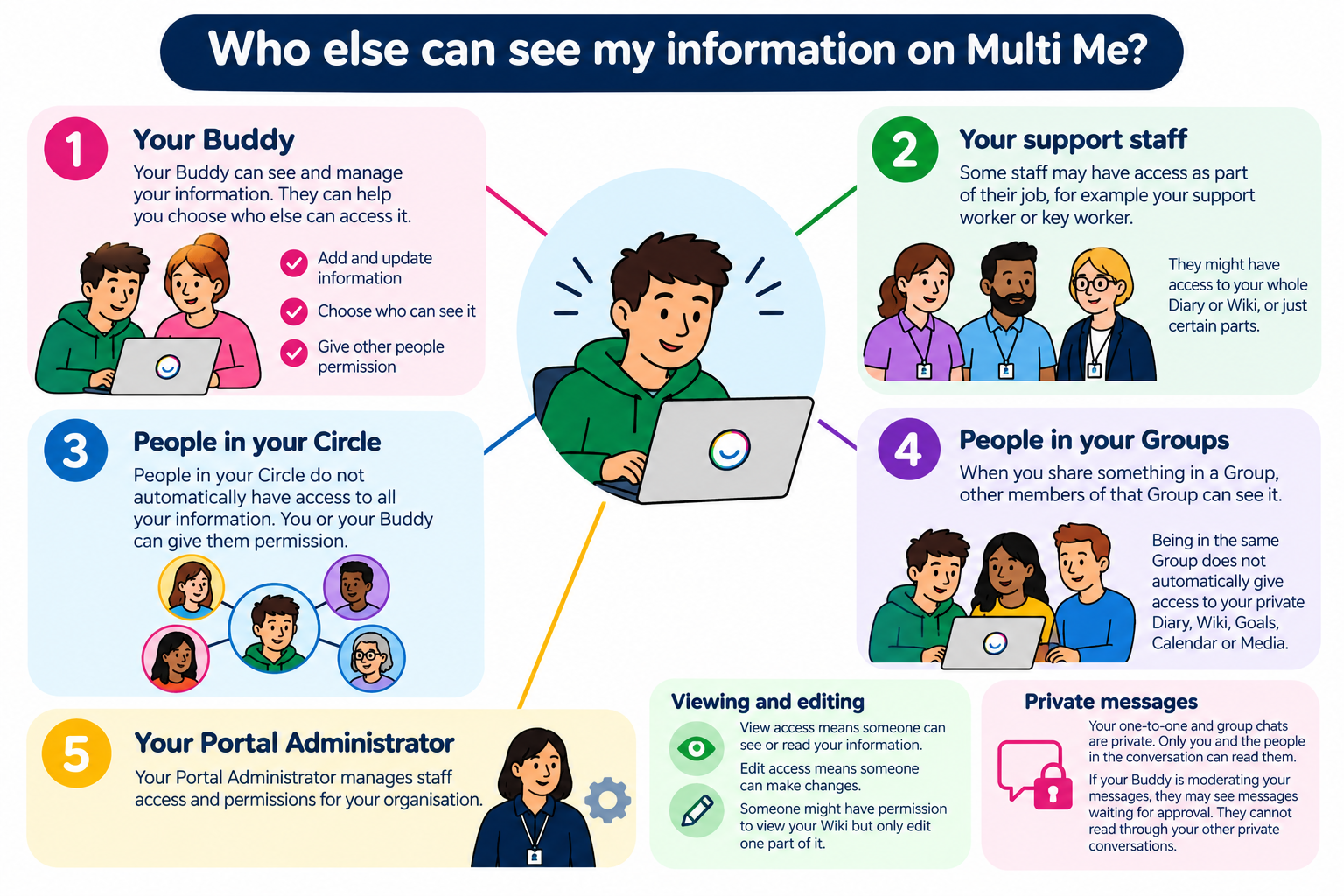 Your Buddy
Your Buddy can see and manage your information.
They can help you:
Add or update information.
Choose who can see your information.
Give other people permission to view or edit parts of your information.
You can have more than one Buddy.
Your support staff
Some staff may have access to your information as part of their job.
For example:
Your support worker
Your key worker
Your registered manager
Your Portal Administrator manages these permissions.
Staff might have access to your whole Diary or Wiki, or just certain parts of your information.
People in your Circle
Your Circle includes people you connect with on Multi Me.
People in your Circle do not automatically have access to all your private information.
You or your Buddy can give them permission to see or edit certain things.
People in your Groups
When you share something in a Group, other members of that Group can see it.
Being in the same Group does not automatically give someone access to your private Diary, Wiki, Goals, Calendar or Media.
Your Portal Administrator
Your Portal Administrator helps manage Multi Me for your organisation.
They can give staff permission to view or edit information based on their roles.
These permissions work alongside those managed by your Buddy.
What is the difference between viewing and editing?
View access means someone can see or read your information.
Edit access means someone can make changes to your information.
Someone might have permission to view your Wiki but only edit one part of it.
What about my private messages?
Your one-to-one and group chats are private.
Only you and the people in the conversation can read the messages.
If your Buddy is moderating your messages, they may see messages waiting for approval.
They cannot open and read through your other private conversations.
How do I find out who has access?
If you're unsure who can see or change your information, ask your Buddy or Portal Administrator.
They can help you understand who has access and what they can do.
You can also contact Multi Me Support through this Helpdesk.
Was this article helpful?
That’s Great!
Thank you for your feedback
Sorry! We couldn't be helpful
Thank you for your feedback
Feedback sent
We appreciate your effort and will try to fix the article