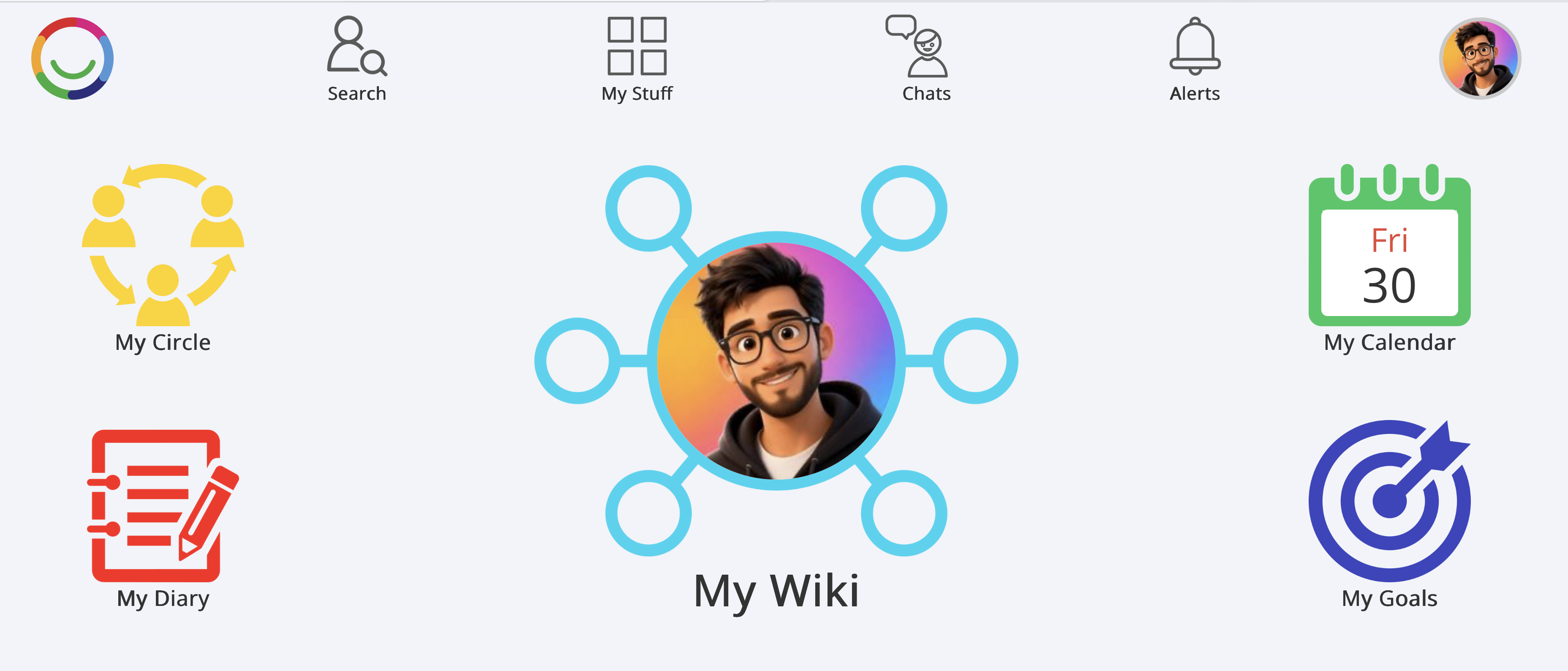
You can find My Goals from your My Stuff Dashboard.
Click My Stuff in the top menu.
Find and click My Goals (the blue target icon).
This will open your Goals, where you can see what you're working towards, check your progress and create new Goals.
Please note: Your organisation may use a different name for Goals, such as Objectives.
Was this article helpful?
That’s Great!
Thank you for your feedback
Sorry! We couldn't be helpful
Thank you for your feedback
Feedback sent
We appreciate your effort and will try to fix the article